16
What Is My IP Address and Why Does It Matter? (Complete Guide)
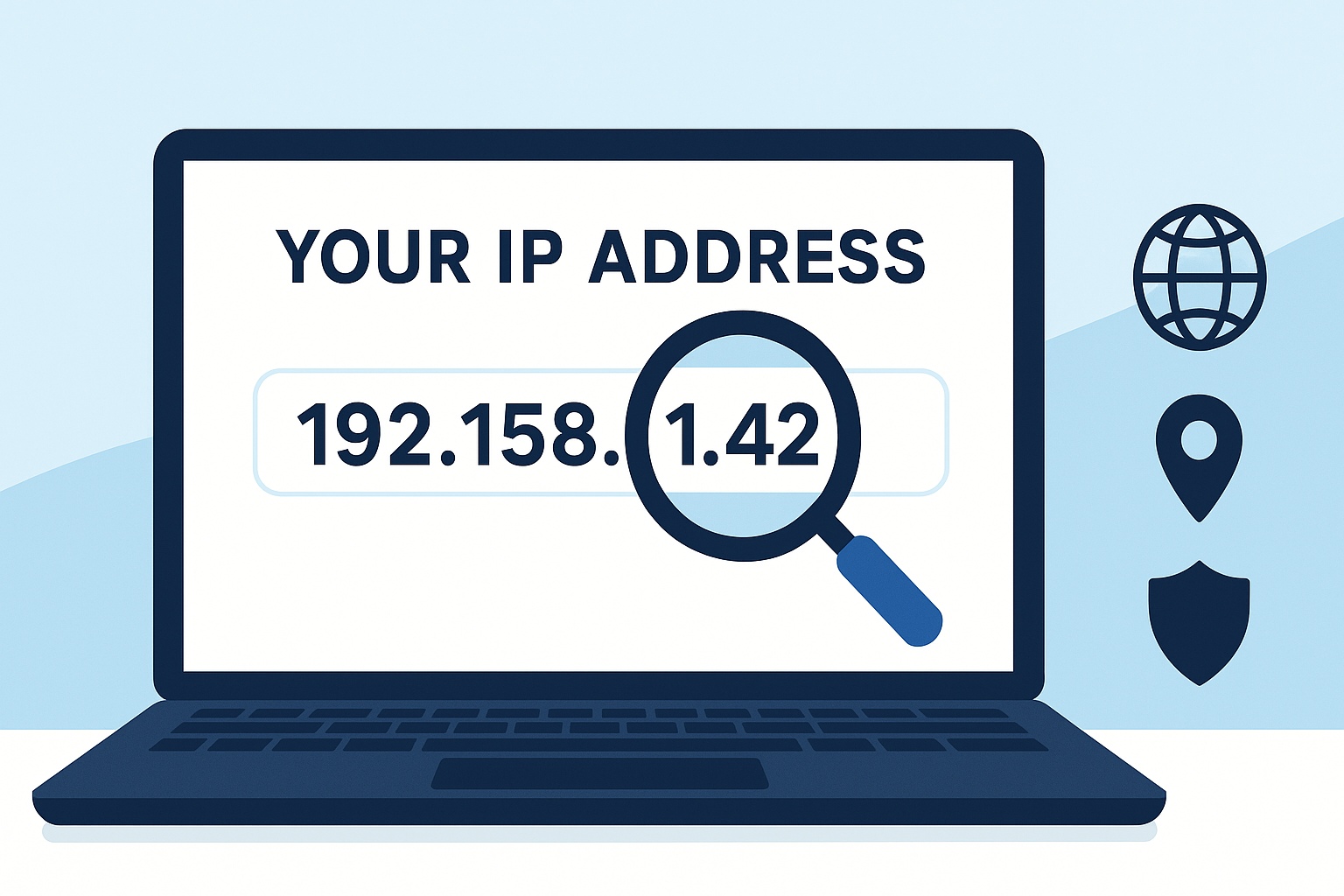
Your IP address reveals more about you than you might think. In this guide, we’ll explain what an IP address is, the different types (IPv4 and IPv6), why it’s important, and how to check yours instantly with our free Whats My IP tool.
Introduction: Why You Should Care About Your IP
Every device connected to the internet has an identifier called an IP address. While many users don’t pay attention to it, your IP is essential for communication online, and it can also reveal details about your location, ISP, and browsing activities.
In this post, you’ll learn:
- ✅ What an IP address is
- ✅ The difference between IPv4 and IPv6
- ✅ How websites and services use your IP
- ✅ Why knowing your IP can protect your privacy
- ✅ How to check your IP instantly with the Whats My IP tool
What Is an IP Address?
An Internet Protocol (IP) address is a unique set of numbers assigned to your device when it connects to the internet. Think of it as your digital “home address” — it tells other devices where to send information.
Example:
- IPv4: 192.168.1.1
- IPv6: 2400:cb00:2048:1::c629:d7a2
Types of IP Addresses
IPv4
The most common version. Uses 32-bit numbers, written as four decimal numbers separated by dots. Limited to around 4.3 billion addresses.
IPv6
The newer version. Uses 128-bit numbers, allowing trillions of unique addresses. Essential as more devices connect to the internet.
Why Does Your IP Address Matter?
- Identifies Your Location
Websites can estimate your city or region using your IP. - Controls Access
Streaming platforms and services may block or allow access based on your IP region. - Tracks Activity
Your ISP (Internet Service Provider) uses your IP to monitor your internet usage. - Security Risks
Hackers may try to exploit IP addresses for malicious activity.
How to Check Your IP Address
1. Use an Online Tool (Recommended ✅)
The fastest way is with our Whats My IP tool
.
Steps:
- Visit the page
- Instantly see your public IP (IPv4 or IPv6)
- Additional details: location, ISP, device type
2. On Windows/Mac
- Open Command Prompt (Windows) or Terminal (Mac)
- Type ipconfig or ifconfig
3. On Mobile
- Go to Wi-Fi settings
- Tap the connected network to view IP details
Public vs Private IP Addresses
- Public IP: Visible to the internet, assigned by your ISP
- Private IP: Used within your home network (e.g., 192.168.x.x)
How to Protect Your IP Address
- ✅ Use a VPN (Virtual Private Network) to mask your IP
- ✅ Use firewalls and antivirus tools
- ✅ Avoid connecting to unsecured public Wi-Fi
- ✅ Regularly check your IP to monitor activity
Why Use Reciphub’s Whats My IP Tool?
Our tool is:
- ⚡ Instant — no installation required
- 🌍 Accurate — shows both IPv4 and IPv6
- 🔒 Secure — no data stored or tracked
- 🆓 Free — available anytime
👉 Try it now: Whats My IP Tool
Conclusion
Your IP address is your digital fingerprint online. Understanding it helps you protect your privacy, troubleshoot connection issues, and control access to services.
The easiest way to check yours? Use the free Whats My IP tool at Reciphub.
Contact
Missing something?
Feel free to request missing tools or give some feedback using our contact form.
Contact Us