16
RGB vs HEX Colors – Which One Should You Use for Web Design?
Colors are a crucial part of web design, but should you use RGB or HEX values when coding your site? In this guide, we’ll compare RGB vs HEX colors, explain their differences, and show you how to convert between them easily with the Reciphub RGB to Hex Converter.
Introduction: The Importance of Color in Web Design
Colors influence how users feel when they visit your site. The choice of colors affects readability, mood, branding, and even conversion rates. When coding a website, designers often debate: should you use RGB or HEX color codes?
This guide will help you:
- ✅ Understand RGB and HEX color formats
- ✅ Compare their pros and cons in web design
- ✅ Learn when to use each format
- ✅ Convert between RGB and HEX with ease
What Are RGB Colors?
RGB stands for Red, Green, Blue. It’s a system that combines these three values to create millions of colors.
Example:
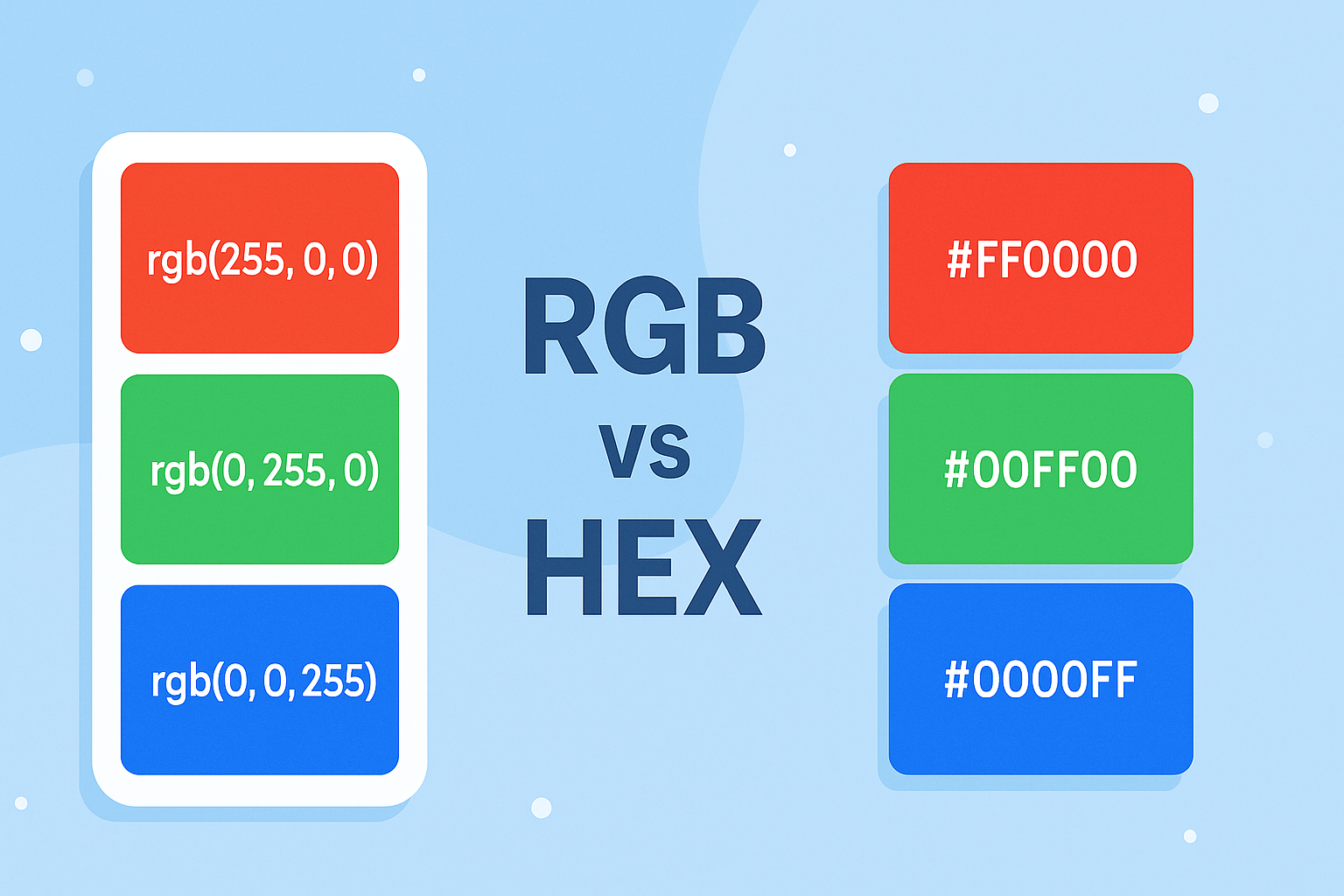
- Pure Red: rgb(255, 0, 0)
- Pure Green: rgb(0, 255, 0)
- Pure Blue: rgb(0, 0, 255)
RGB is widely used in digital screens, photography, and video editing.
What Are HEX Colors?
HEX (short for Hexadecimal) is another way to represent colors. It uses a six-digit code that represents red, green, and blue values.
Example:
- Pure Red: #FF0000
- Pure Green: #00FF00
- Pure Blue: #0000FF
HEX is shorter and often preferred in CSS styling.
RGB vs HEX: Key Differences
FeatureRGBHEXFormat | rgb(255, 0, 0) | #FF0000
Readability | Easier for precise adjustments | Shorter & cleaner
Use Cases | Digital editing, precise colors | CSS, HTML, web design
Popularity | Common in design software | Common in coding
Which One Should You Use in Web Design?
- Use HEX if you’re coding CSS — it’s shorter, cleaner, and widely supported.
- Use RGB if you need precision and want to adjust transparency (rgba).
- Both are valid and supported across browsers.
Converting RGB to HEX (and Vice Versa)
You don’t have to calculate conversions manually. Instead, use our free RGB to Hex Converter
.
Steps:
- Enter your RGB values (e.g., 255, 87, 51)
- Click Convert
- Instantly get the HEX value (#FF5733)
👉 Try it now: RGB to Hex Converter Tool
Pros and Cons of Each
✅ RGB Pros
- Great for digital editing
- Easy to tweak shades
- Supports transparency (RGBA)
❌ RGB Cons
- Longer format
- Harder to remember
✅ HEX Pros
- Short, clean format
- Popular for web design
- Easy to copy & paste
❌ HEX Cons
- Harder to tweak shades manually
- Doesn’t support transparency
Best Practices for Using Colors in Web Design
- Maintain Brand Consistency
Use the same HEX/RGB codes across all platforms. - Use Contrast for Accessibility
Ensure text color and background contrast meet accessibility standards (WCAG). - Limit Your Palette
Stick to 2–4 primary colors for clean design. - Use Online Tools for Testing
Tools like color contrast checkers help validate choices.
Conclusion
Both RGB and HEX have their place in web design. Designers often prefer HEX for coding CSS, while RGB is more useful for detailed design work.
The easiest solution? Use a converter tool to switch between them. Try the Reciphub RGB to Hex Converter
today for fast, accurate results.
Contact
Missing something?
Feel free to request missing tools or give some feedback using our contact form.
Contact Us