27
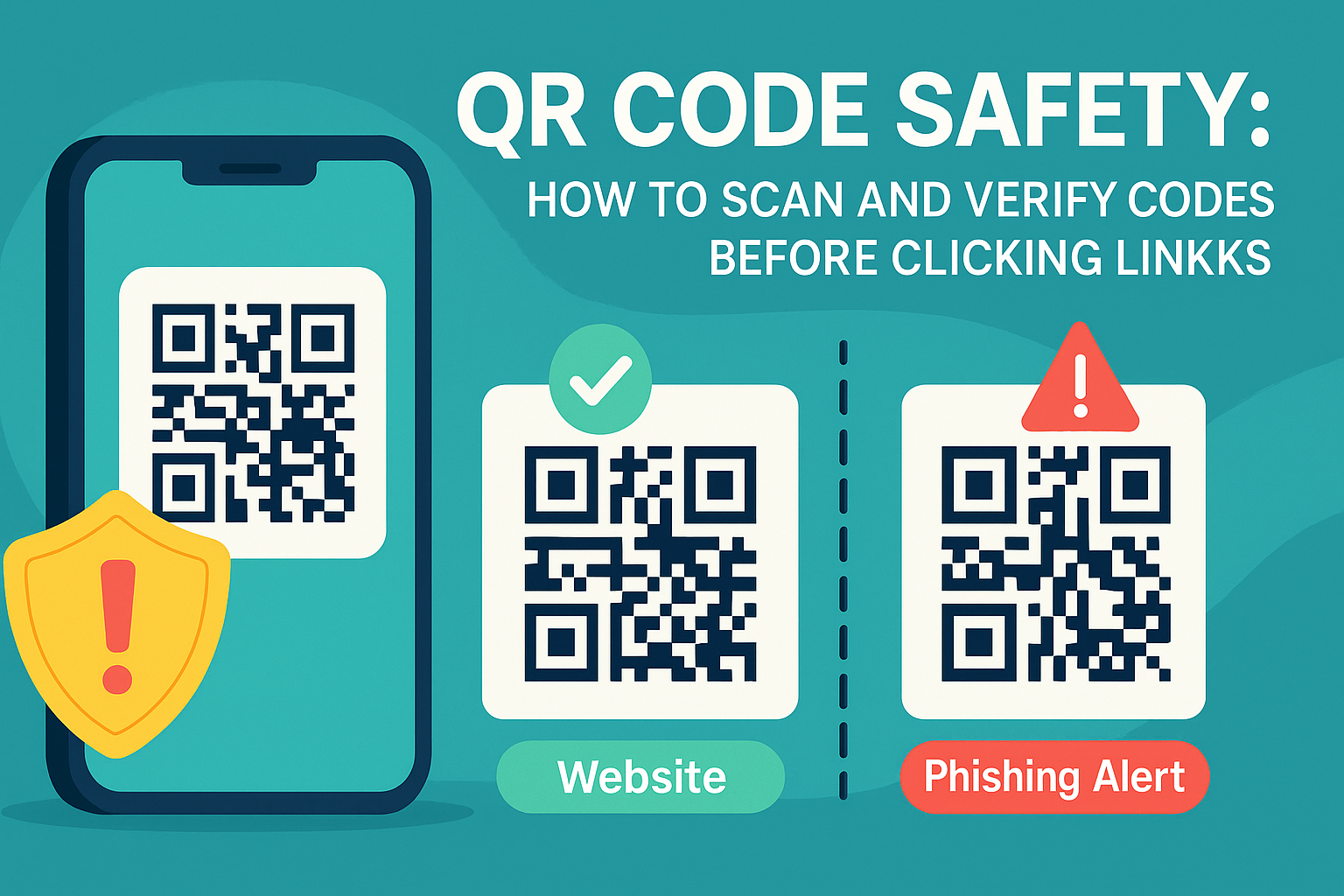
QR Code Safety: How to Scan and Verify Codes Before Clicking Links (2025 Guide)
QR codes are everywhere in 2025—from menus to payments—but not all are safe. Hackers can use malicious QR codes to steal data or trick users into visiting harmful websites. This guide explains how QR codes work, the risks they pose, and how to scan and verify them safely online.
Introduction: The Rise of QR Codes
QR codes have exploded in popularity—used for payments, marketing, event tickets, and even restaurant menus. But while convenient, they’ve also become a new attack vector for hackers.
How QR Codes Work
- QR codes store data (URLs, text, payment info).
- When scanned, they redirect your device to that data.
- Most QR codes are safe, but you don’t know what’s inside until you scan.
Security Risks of QR Codes
- Malicious Links → Fake websites that steal logins.
- Phishing via QR Codes → QR code scams in emails/posters.
- Malware Downloads → Automatic file downloads on scan.
- Fake Payment Requests → Redirecting payments to attackers.
How to Stay Safe When Scanning QR Codes
Step 1: Preview Before Clicking
Use a QR Code Reader Tool (like Reciphub’s) to reveal the URL before opening.
Step 2: Verify the Source
Only scan codes from trusted businesses/websites.
Step 3: Check the URL Carefully
- Does it start with HTTPS?
- Does it contain typos (ex: g00gle.com)?
Step 4: Use Security Software
Install mobile security apps that block malicious links.
Step 5: Avoid Public Stickers
Hackers often paste fake QR codes over real ones (restaurants, posters, bus stops).
Tools to Verify QR Codes
- Reciphub QR Code Reader → Safely decode and preview QR data.
- QR Code Generator → Create your own secure codes.
Best Practices for Businesses Using QR Codes
- Always use HTTPS links.
- Brand your QR codes (with a logo) to prevent tampering.
- Educate customers about checking URLs before clicking.
FAQs
Q: Can scanning a QR code give me a virus?
A: Yes, if it leads to a malicious download link.
Q: How do I know if a QR code is safe?
A: Always use a QR code reader to preview the URL.
Q: Are payment QR codes safe?
A: Yes, if verified. Only scan from official apps or trusted businesses.
Conclusion
QR codes are incredibly useful, but in 2025, you must be cautious before scanning. By using tools like Reciphub’s QR Code Reader
, you can preview and verify codes safely—protecting yourself from scams and malware.
Contact
Missing something?
Feel free to request missing tools or give some feedback using our contact form.
Contact Us