26
The Complete Guide to JSON and CSV Conversion for Developers
Working with data often means switching between formats like JSON and CSV. In this guide, you’ll learn the differences between JSON and CSV, when to use each, and how to convert between them easily. We’ll also show you how to use the Reciphub JSON ↔ CSV converters to simplify your workflow.
Introduction
Every developer, data analyst, or engineer deals with data formats. Two of the most common are JSON (JavaScript Object Notation) and CSV (Comma-Separated Values). While JSON is popular in APIs and web applications, CSV remains a staple for spreadsheets and data analysis.
Converting between JSON and CSV is a daily task in development and analytics. Let’s dive deep into both formats, their strengths, and how to convert between them.
What Is JSON?
- Text-based format for structured data.
- Uses key-value pairs and nested objects.
- Widely used in APIs, config files, and web apps.
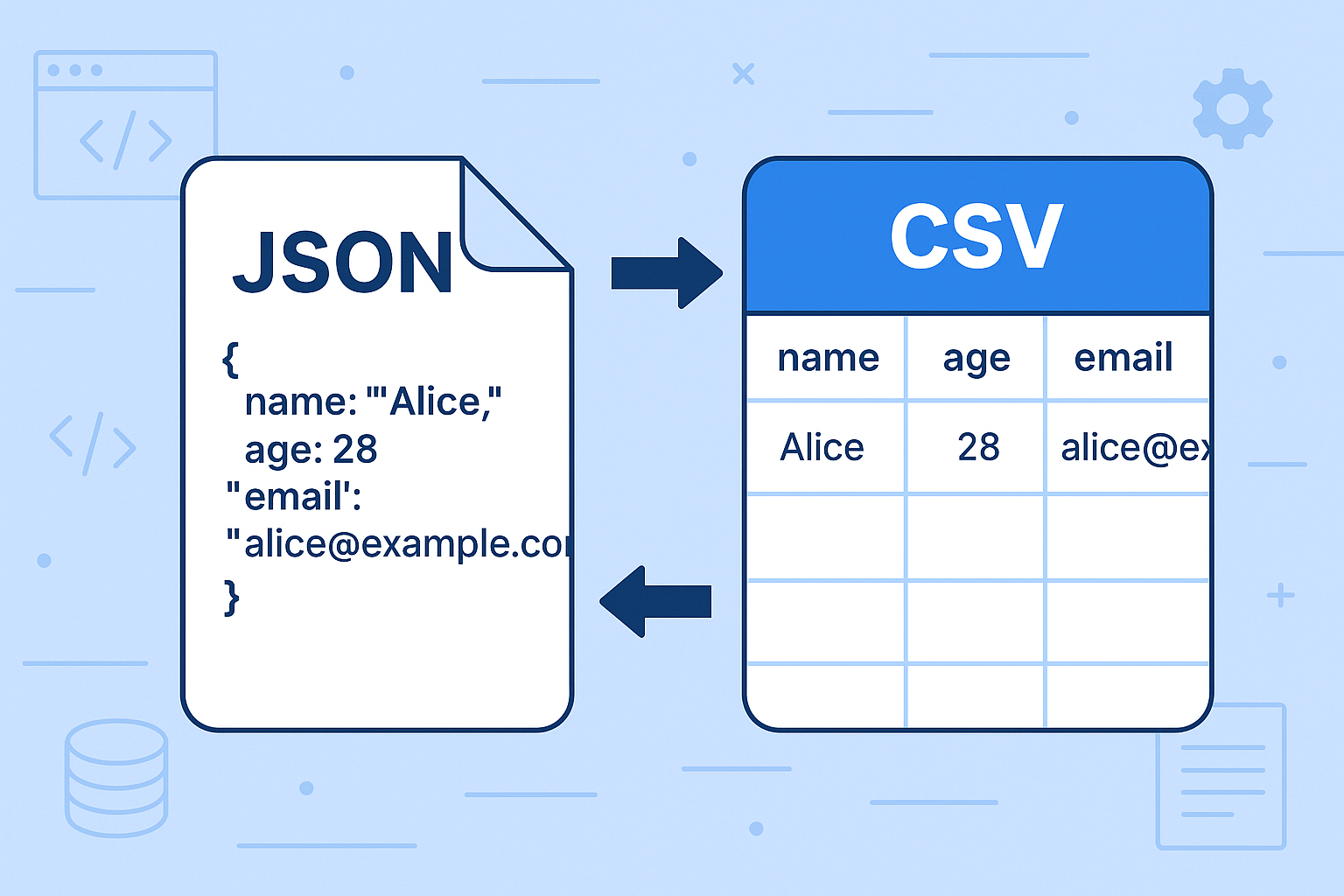
Example JSON:
{
  "name": "Alice",
  "email": "alice@example.com",
  "age": 28
}
What Is CSV?
- Simple text format where values are separated by commas.
- Easy to read in Excel, Google Sheets, or databases.
Example CSV:
name,email,age
Alice,alice@example.com,28
JSON vs CSV: Key Differences
FeatureJSONCSVStructure | Hierarchical, supports nested objects | Flat, table-like
Use Case | APIs, configurations | Spreadsheets, tabular data
Readability | More verbose, structured | Simpler, compact
Tools | JavaScript, APIs | Excel, Sheets, DB imports
Why Convert JSON ↔ CSV?
- Data Analysis – Convert JSON API responses into CSV for Excel analysis.
- Database Import – Convert JSON to CSV for MySQL/PostgreSQL imports.
- API Testing – Export CSV datasets into JSON for API simulations.
- Compatibility – Some tools only accept one format.
How to Convert JSON ↔ CSV
Method 1: Online Tools (Beginner-Friendly )
Use the Reciphub Converters:
Steps:
- Paste your JSON or CSV.
- Click Convert.
- Copy or download the output.
Method 2: Programming
Python
import json, csv

# JSON → CSV
with open('data.json') as f:
    data = json.load(f)

with open('data.csv', 'w', newline='') as f:
    writer = csv.DictWriter(f, fieldnames=data[0].keys())
    writer.writeheader()
    writer.writerows(data)
JavaScript (Node.js)
const { parse } = require('json2csv');
const fs = require('fs');

const json = [{ name: "Alice", email: "alice@example.com", age: 28 }];
const csv = parse(json);

fs.writeFileSync("data.csv", csv);
Common Challenges
- Nested JSON Objects → Hard to flatten into CSV.
- Special Characters → Commas/quotes in CSV need escaping.
- Large Files → May require streaming libraries instead of in-memory conversion.
Best Practices
- Always validate your JSON before conversion.
- Use UTF-8 encoding for global data.
- For nested JSON, flatten the structure before exporting.
- Test imports in your target system (Excel, DB, etc.).
FAQs
Q: Can CSV handle nested JSON?
A: Not directly—you’ll need to flatten or restructure first.
Q: Is JSON or CSV better for APIs?
A: JSON is standard for APIs; CSV is better for bulk data.
Q: Can I convert large JSON files?
A: Yes, but use streaming tools like Python’s pandas for large datasets.
Conclusion
Both JSON and CSV are essential formats, each with their strengths. Knowing how to convert between them makes you more flexible as a developer or analyst.
The easiest way? Use the free Reciphub JSON to CSV
and CSV to JSON converters.
Contact
Missing something?
Feel free to request missing tools or give some feedback using our contact form.
Contact Us