30
IP Lookup Explained: How to Trace and Understand IP Addresses Online
Every device connected to the internet has an IP address—but what does it reveal? In this guide, we’ll explain what IP addresses are, how IP lookup works, and how you can trace and analyze an IP safely using online tools.
Introduction: Why IP Addresses Matter
Every time you visit a website, send an email, or connect to Wi-Fi, your device uses an IP address. These numbers are like digital street addresses—identifying where requests come from and where they go.
But IPs also reveal information: location, ISP, and sometimes even security risks.
What Is an IP Address?
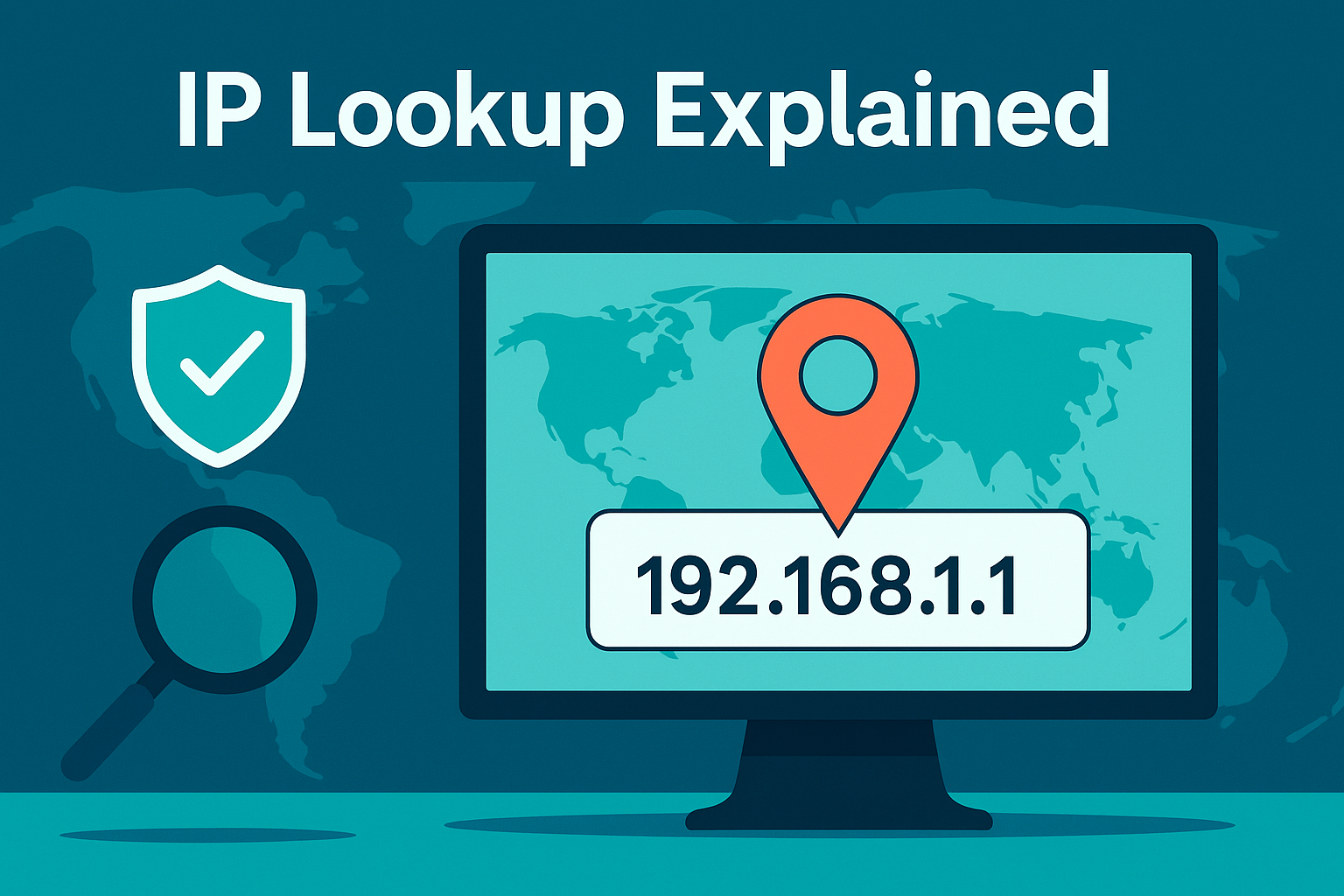
- IPv4 → Most common (e.g., 192.168.1.1).
- IPv6 → Newer format, allows billions more devices.
Types of IPs
- Public IP → Visible on the internet.
- Private IP → Internal use (Wi-Fi networks).
- Static IP → Permanent.
- Dynamic IP → Changes periodically.
How IP Lookup Works
An IP lookup reveals:
- Country & city of origin.
- Internet Service Provider (ISP).
- Hostname.
- Possible proxy/VPN use.
Try the free Reciphub IP Lookup Tool
to see your own IP details instantly.
Why People Use IP Lookup
- Troubleshooting → Diagnose network issues.
- Cybersecurity → Detect suspicious connections.
- SEO & Marketing → Track user locations.
- Personal Privacy → Check what info your IP leaks.
Step-by-Step: Tracing an IP
- Find the IP (from email headers, logs, or “What’s My IP”).
- Enter it into an IP Lookup Tool.
- Analyze:
- Location → Approximate region only.
- ISP → Internet provider.
- Hostname → Linked server/domain.
Privacy & Security Concerns
- Your IP does not reveal your exact home address.
- Hackers may try to track IPs for attacks (DDoS, brute force).
- VPNs & proxies hide your real IP.
FAQs
Q: Can someone hack me with my IP?
A: Not directly—but they may attempt attacks.
Q: How accurate is IP geolocation?
A: Usually city-level, not street-level.
Q: Should I hide my IP?
A: Yes, when using public Wi-Fi or for privacy.
Conclusion
IP lookup tools are powerful for diagnosing problems, protecting security, and understanding online privacy.
Use the free Reciphub IP Lookup Tool
today to see what your IP reveals.
Introduction: Why IP Addresses Matter
Every time you visit a website, send an email, or connect to Wi-Fi, your device uses an IP address. These numbers are like digital street addresses—identifying where requests come from and where they go.
But IPs also reveal information: location, ISP, and sometimes even security risks.
What Is an IP Address?
- IPv4 → Most common (e.g., 192.168.1.1).
- IPv6 → Newer format, allows billions more devices.
Types of IPs
- Public IP → Visible on the internet.
- Private IP → Internal use (Wi-Fi networks).
- Static IP → Permanent.
- Dynamic IP → Changes periodically.
How IP Lookup Works
An IP lookup reveals:
- Country & city of origin.
- Internet Service Provider (ISP).
- Hostname.
- Possible proxy/VPN use.
Try the free Reciphub IP Lookup Tool
to see your own IP details instantly.
Why People Use IP Lookup
- Troubleshooting → Diagnose network issues.
- Cybersecurity → Detect suspicious connections.
- SEO & Marketing → Track user locations.
- Personal Privacy → Check what info your IP leaks.
Step-by-Step: Tracing an IP
- Find the IP (from email headers, logs, or “What’s My IP”).
- Enter it into an IP Lookup Tool.
- Analyze:
- Location → Approximate region only.
- ISP → Internet provider.
- Hostname → Linked server/domain.
Privacy & Security Concerns
- Your IP does not reveal your exact home address.
- Hackers may try to track IPs for attacks (DDoS, brute force).
- VPNs & proxies hide your real IP.
FAQs
Q: Can someone hack me with my IP?
A: Not directly—but they may attempt attacks.
Q: How accurate is IP geolocation?
A: Usually city-level, not street-level.
Q: Should I hide my IP?
A: Yes, when using public Wi-Fi or for privacy.
Conclusion
IP lookup tools are powerful for diagnosing problems, protecting security, and understanding online privacy.
Use the free Reciphub IP Lookup Tool
today to see what your IP reveals.
Contact
Missing something?
Feel free to request missing tools or give some feedback using our contact form.
Contact Us