16
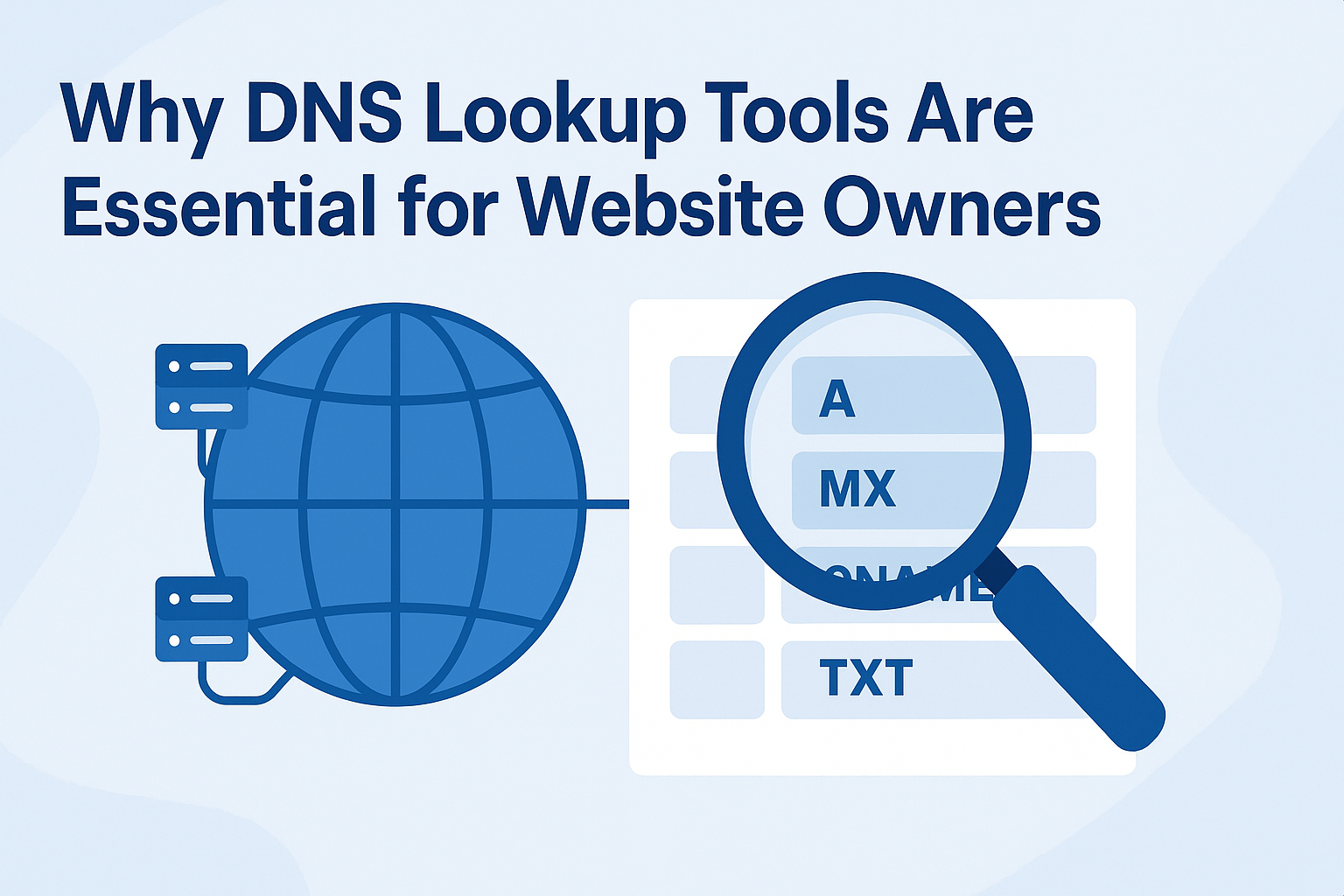
Why DNS Lookup Tools Are Essential for Website Owners (Complete Guide)
DNS lookups are the backbone of the internet, but many website owners overlook their importance. In this in-depth guide, we’ll explain what DNS is, why DNS lookup tools matter, and how they can help troubleshoot issues, improve website performance, and strengthen security. Plus, we’ll show you how to use the free Reciphub DNS Lookup Tool for instant DNS queries.
Introduction: The Hidden Power of DNS
Every time you type a URL into your browser, the Domain Name System (DNS) quietly works behind the scenes to connect you to the right website. Without DNS, you’d have to memorize long strings of numbers (IP addresses) instead of simple names like google.com or reciphub.site.
For website owners, DNS is not just a background service — it’s a critical part of ensuring uptime, speed, and security. And that’s why DNS lookup tools are essential.
In this guide, we’ll cover:
- ✅ What DNS is and how it works
- ✅ Different types of DNS records
- ✅ Why DNS lookups matter for website owners
- ✅ How to troubleshoot using DNS lookup tools
- ✅ Step-by-step use of the Reciphub DNS Lookup Tool
- ✅ Best practices for managing DNS
What Is DNS? (The Internet’s Phonebook)
DNS, or the Domain Name System, translates human-friendly domain names (like reciphub.site) into machine-readable IP addresses (like 192.168.1.1).
Think of DNS as the internet’s phonebook:
- You type a name → DNS finds the number (IP)
- Your browser connects → The website loads
Without DNS, the internet would be far less user-friendly.
How DNS Works (Step by Step)
- You type a domain name into your browser.
- Your computer asks a DNS resolver (usually your ISP or a public DNS like Google 8.8.8.8).
- The resolver checks cached records — if not found, it queries the authoritative servers.
- The DNS root server points to the correct TLD server (.com, .org, .site, etc.).
- The TLD server sends your request to the domain’s authoritative nameserver.
- The nameserver responds with the IP address.
- Your browser connects to the site.
This process happens in milliseconds, but if any step fails, the website won’t load.
Types of DNS Records Every Website Owner Should Know
A Record (Address Record)
Maps a domain to an IPv4 address.
Example: reciphub.site → 192.168.1.1
AAAA Record
Similar to A record but for IPv6 addresses.
CNAME Record (Canonical Name)
Redirects one domain to another.
Example: www.reciphub.site → reciphub.site
MX Record (Mail Exchange)
Directs emails to the correct mail server.
TXT Record
Stores text information — often used for SPF, DKIM, and Google site verification.
NS Record (Nameserver Record)
Specifies the authoritative nameservers for a domain.
SOA Record (Start of Authority)
Contains admin details, refresh times, and zone information.
Why DNS Lookup Tools Are Essential for Website Owners
1. Diagnose Website Issues
If your site is not loading, a DNS lookup can reveal whether the problem lies in DNS misconfiguration.
2. Email Delivery Troubleshooting
If emails aren’t arriving, an MX record lookup can show if your mail servers are properly set up.
3. Verify Domain Ownership
TXT records (e.g., for Google Search Console) require DNS changes that can be verified with lookup tools.
4. Detect Security Issues
DNS lookups help identify spoofing, hijacking, or unauthorized changes.
5. Monitor Performance and Propagation
When you change DNS records, propagation takes time. Lookup tools confirm updates globally.
Real-Life Scenarios Where DNS Lookups Save the Day
- Scenario 1: Website Down
A site stops loading. DNS lookup shows the A record points to the wrong IP. Fixing it restores the site. - Scenario 2: Email Problems
A company’s emails bounce. MX lookup reveals missing or incorrect mail server settings. - Scenario 3: Domain Transfer
After moving to a new host, DNS lookup confirms if the new nameservers are active. - Scenario 4: Security Breach
Hackers redirect traffic to malicious servers. A quick DNS lookup detects the change.
How to Perform a DNS Lookup
1. Use an Online DNS Lookup Tool (Recommended ✅)
The simplest method is with our DNS Lookup Tool
Steps:
- Enter your domain name
- Click Lookup
- Instantly view records like A, MX, CNAME, TXT, and more
2. Use Command Line (Advanced)
- Windows: nslookup example.com
- Mac/Linux: dig example.com
While powerful, these commands can be confusing for beginners.
Why Use Reciphub’s DNS Lookup Tool?
- ⚡ Instant results across multiple record types
- 🆓 100% free, no registration required
- 🌍 Works on desktop & mobile
- 🔒 Secure & private — no logs stored
👉 Try it now: DNS Lookup Tool
Best Practices for Managing DNS as a Website Owner
- Always keep DNS records updated
Ensure A, MX, and CNAME records point to the right servers. - Use reliable DNS hosting
Choose a reputable DNS provider (Cloudflare, Google DNS). - Enable DNSSEC
Protect against spoofing and hijacking. - Set TTL wisely
Lower TTLs for dynamic services, higher TTLs for stable records. - Monitor DNS changes
Regularly check for unauthorized modifications.
Frequently Asked Questions About DNS Lookup
Q: How often should I check my DNS records?
A: At least once a month, or whenever making hosting/email changes.
Q: How long does DNS propagation take?
A: Usually a few hours, but up to 48 hours globally.
Q: Can DNS affect SEO?
A: Indirectly — downtime from DNS errors can hurt search rankings.
Conclusion: Take Control of Your DNS
DNS is one of the most critical — yet overlooked — parts of running a website. With the right tools, you can monitor, troubleshoot, and secure your domain effectively.
The Reciphub DNS Lookup Tool gives you instant access to all your domain’s DNS records, making it easier to keep your site running smoothly.
👉 Try it today: Reciphub DNS Lookup Tool
Contact
Missing something?
Feel free to request missing tools or give some feedback using our contact form.
Contact Us